






SAMSUNG
Features
Epic Screen. Epic Play
Detailed OLED worlds live on a wider, vibrant screen
OLED in Dual QHD
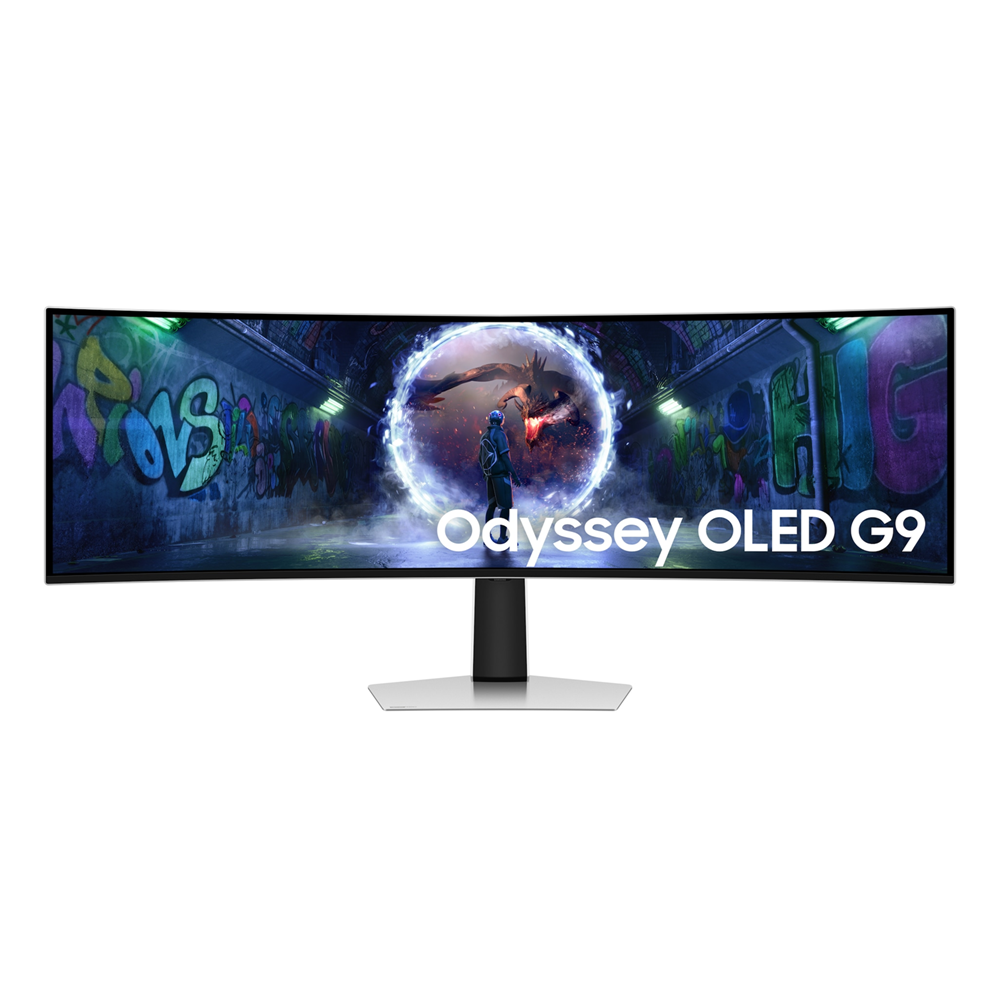
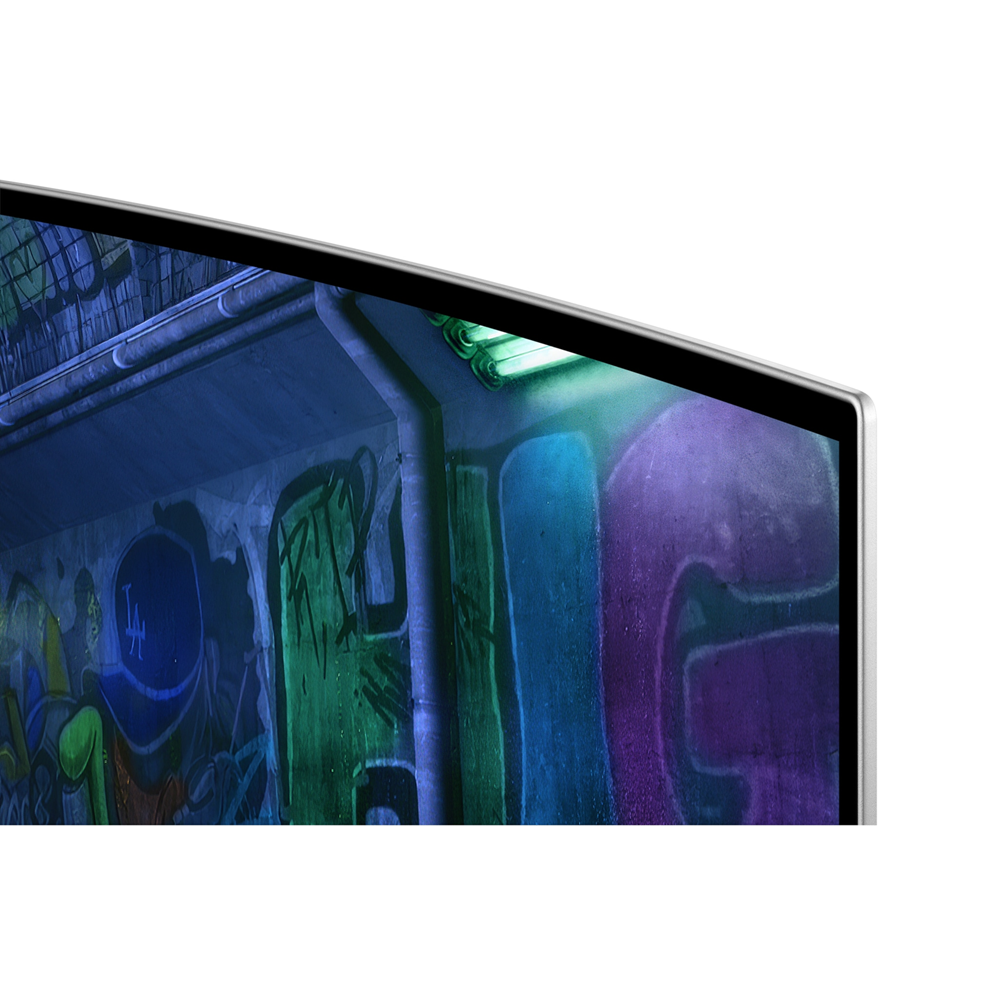
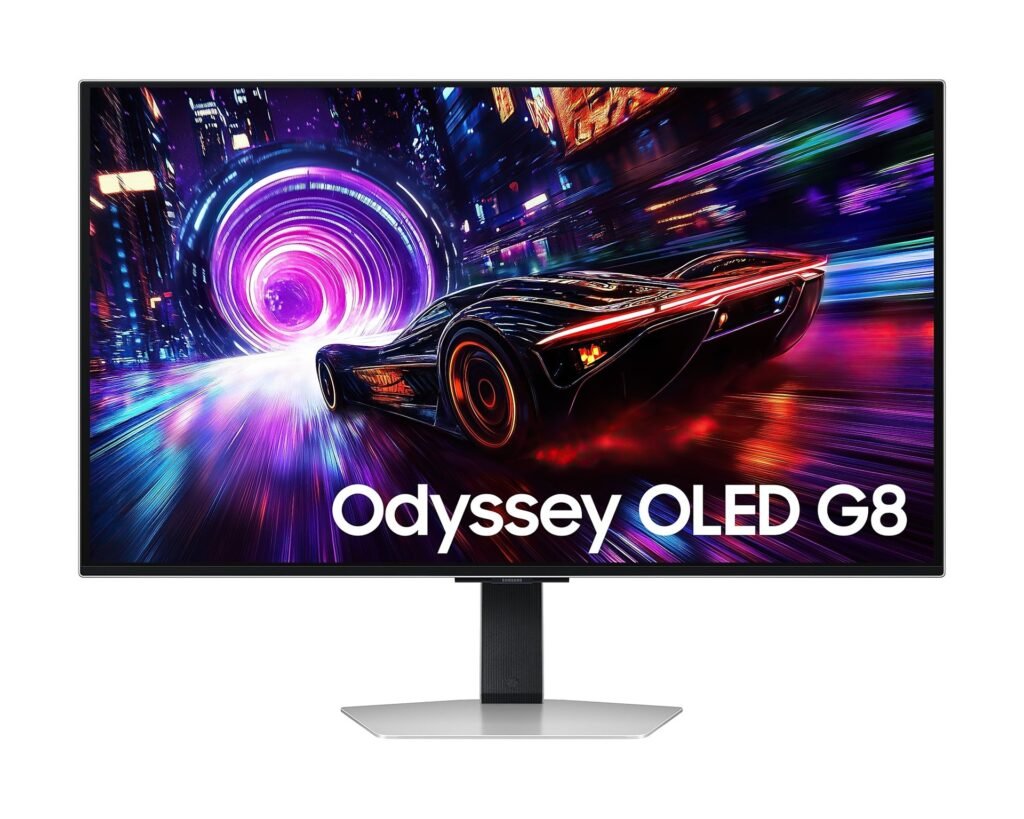
With OLED technology, enjoy a wider color spectrum and vibrant images that captivate you and take gaming to new heights. Content springs to life on a Dual QHD (5120 x 1440) resolution screen for unparalleled clarity and precision.
Focus without distraction
OLED Glare Free
Glare Free technology significantly reduces glare from external light sources, so the OLED screen’s perfect black and color experience are presented without distractions. With a screen 54% less glossy than Samsung’s conventional Anti-Reflection film, you can see your full game environments and get the drop on enemies.


* Based on internal test results.
Outmaneuver opponents with supreme speed
240Hz Refresh Rate & 0.03ms Response Time(GtG)
Dodge, counter and engage faster than the rest. OLED technology delivers near instant reaction time with 0.03ms response time(GtG). HDMI 2.1 and DisplayPort connections keep you ahead of the competition with the 240Hz refresh rate. Milliseconds matter when you face the best.
* Based on GtG measured under internal test conditions. Results may vary by content and monitor settings.* GtG (Gray to Gray) measures the time taken for a monitor pixel to change from one gray value to another.* Refresh rate and response time may vary based on the performance of the input source.


Immerse in smooth action without disruption
G-Sync Compatible
G-Sync compatibility keeps the GPU and panel synced up to eliminate choppiness, screen-lag, and image tears. Fast-action and complex game scenes are stable and stutter-free with AMD FreeSync Premium Pro for your competitive edge.
* Screen images simulated for illustrative purposes. * The application of the G-Sync logo on the package and product may vary depending on the time of purchase


Wider OLED Brilliance


Win with a wider view and more pixels per inch
32:9 ratio & 110 PPI
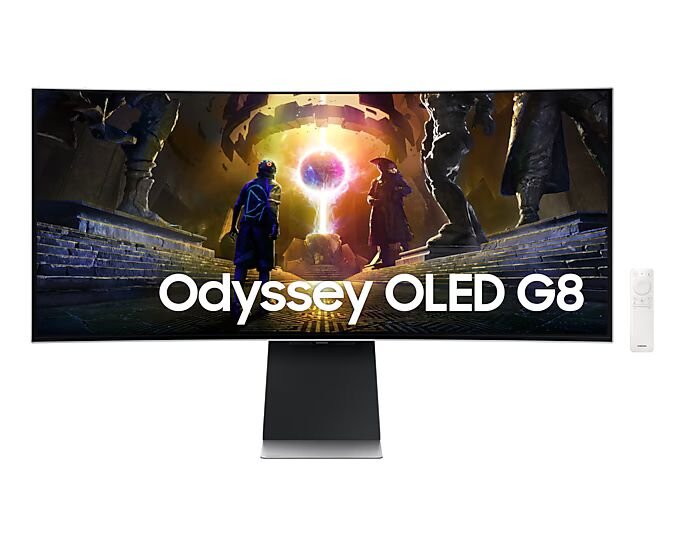
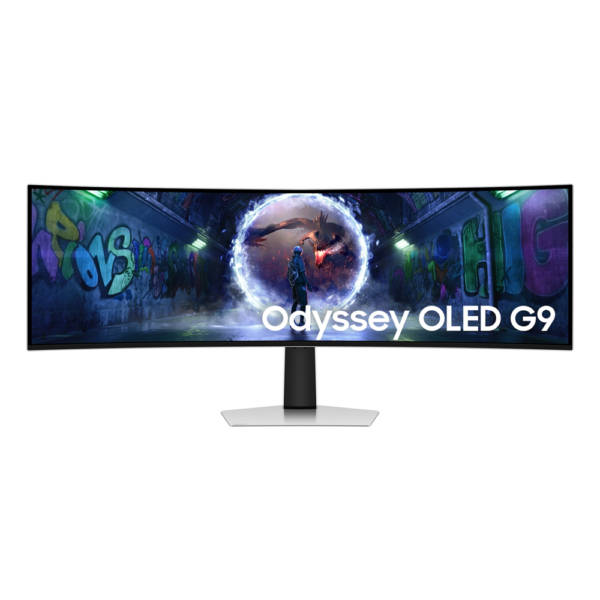
Don’t sacrifice detail, even with a larger screen. With a wide 32:9 screen in Dual QHD resolution and 110 pixels per inch, you get the level of clarity you need to pick up on the small, but significant, details across the 49″ screen.
* Screen images simulated for illustrative purposes.


Samsung OLED Safeguard


Stay cool with automatic brightness control
Thermal Modulation System
Algorithms predict surface temperature and automatically control brightness accordingly to reduce heat.
* When “Adjust Logo Brightness” setting is on “Off” or “Low,” Thermal Modulation is active in certain picture modes only.* When “Adjust Logo Brightness” setting is on “High”, Thermal Modulation is always active.


Your Station Your Way


Connect more to enjoy more
Versatile connectivity
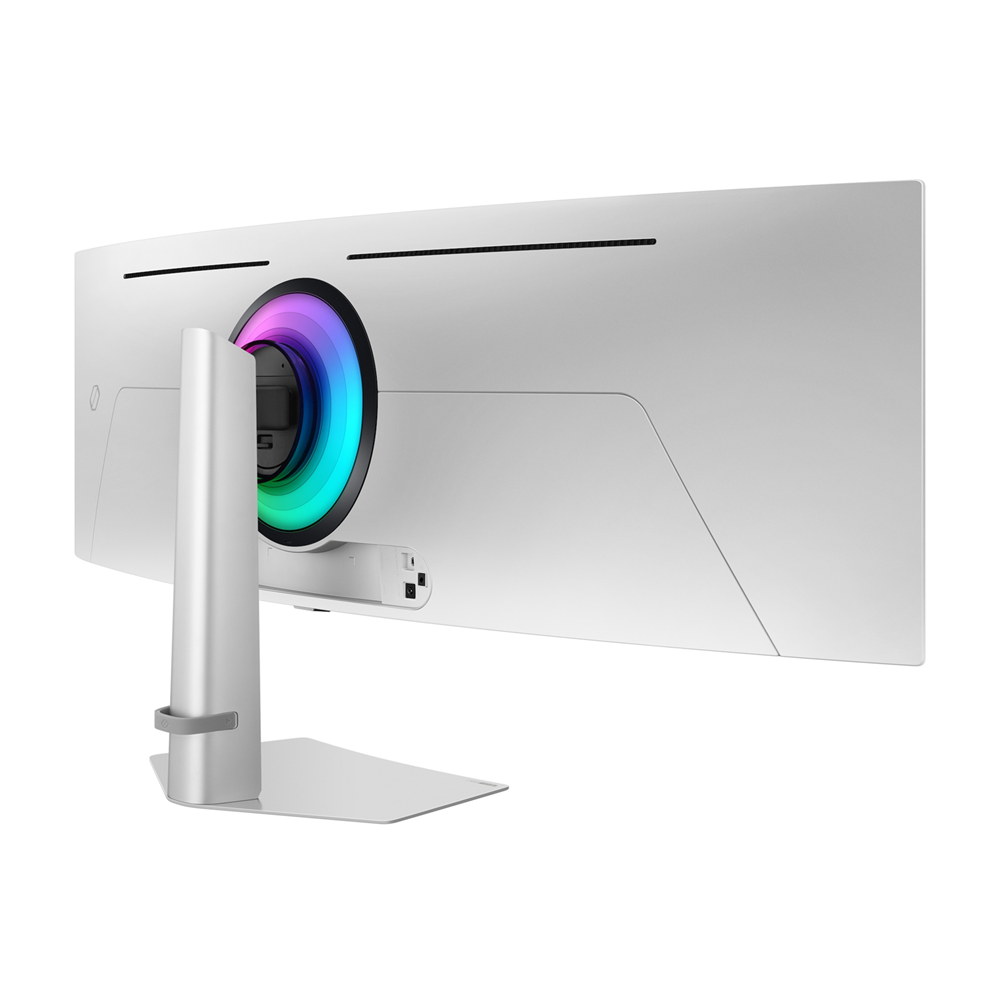
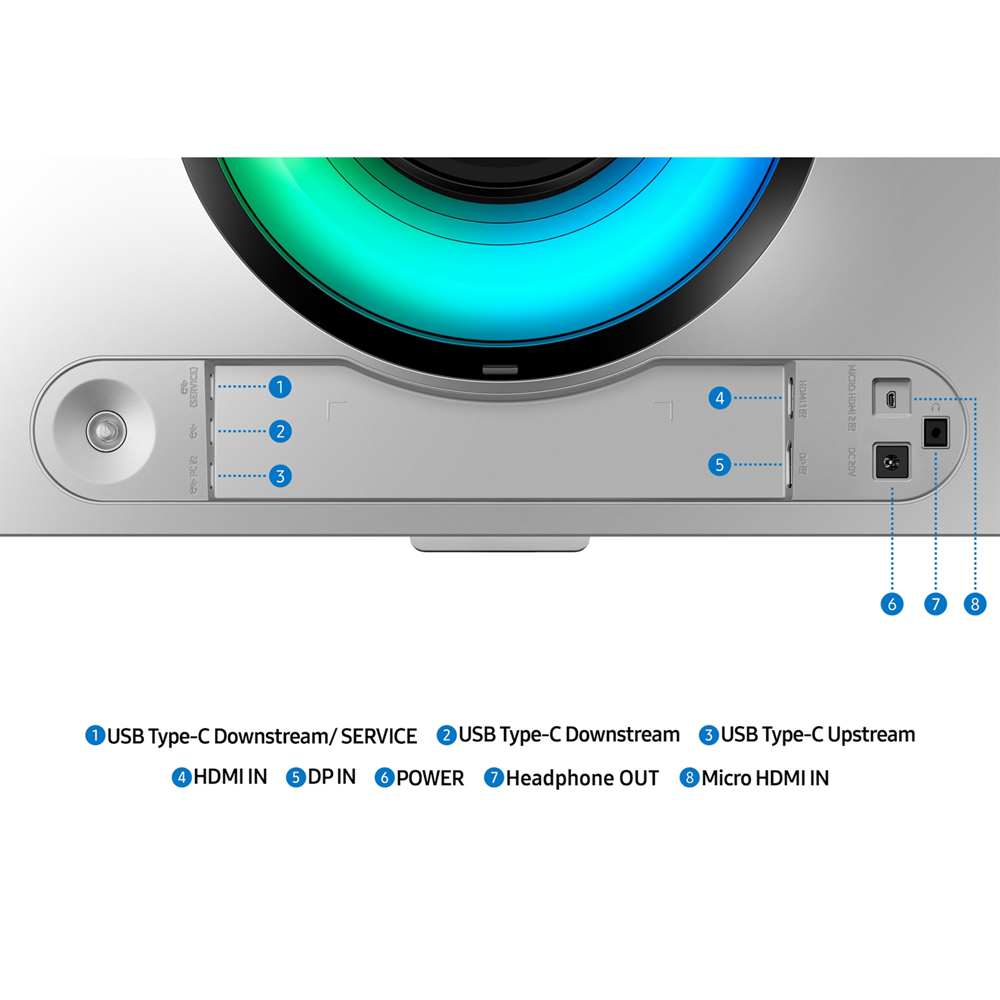
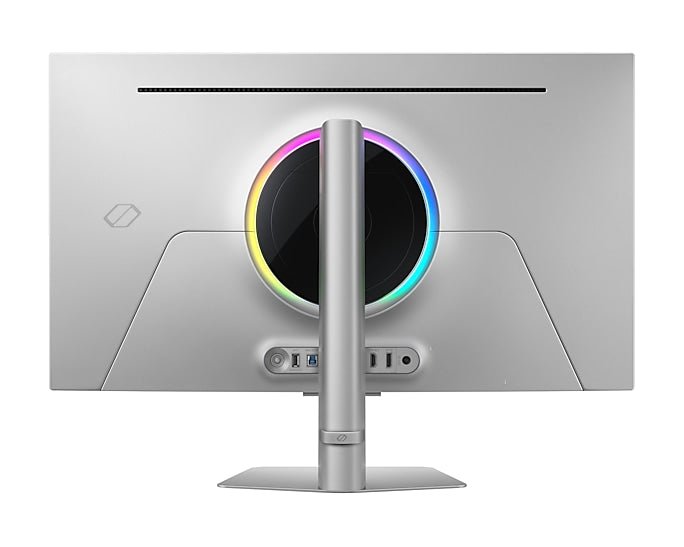
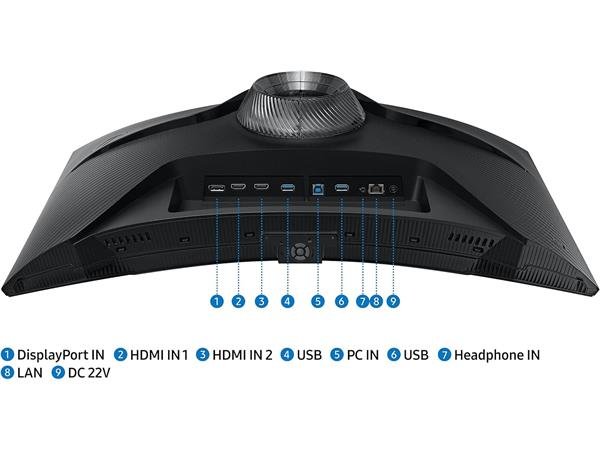
Access a variety of input options with HDMI 2.1, Micro HMDI, DisplayPort, USB-C Upstream and Downstream ports. Connect your favorite devices seamlessly, reduce cable clutter and elevate your gaming experience.


Cutting-Edge Design


Style and comfort come together
Slim Metal Deign & Ergonomic Stand
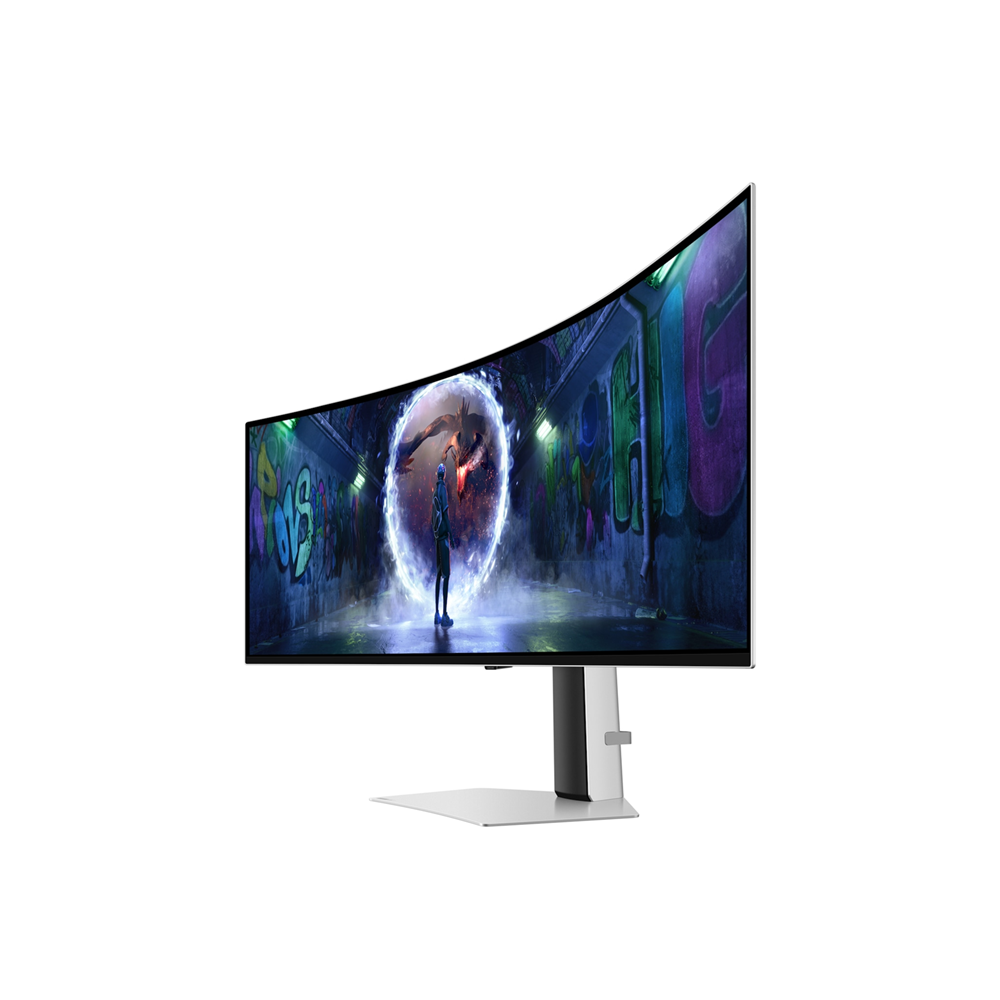
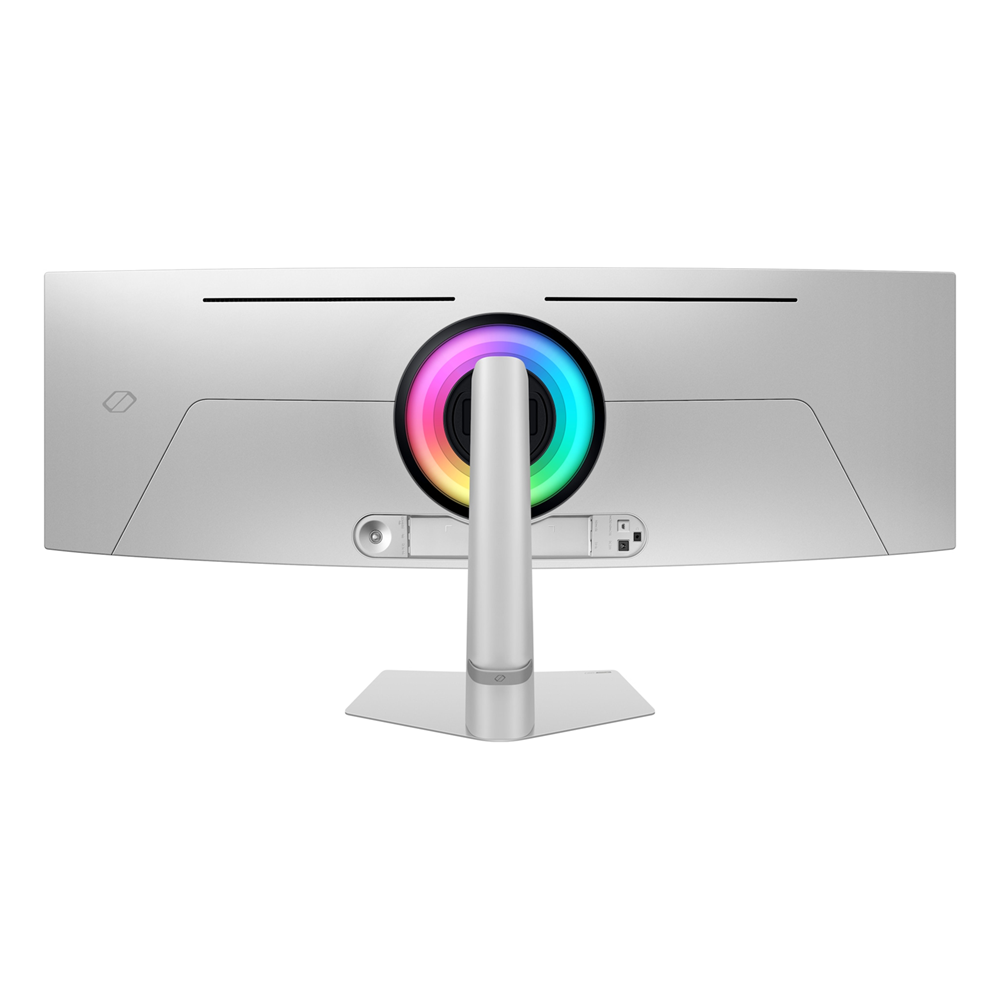
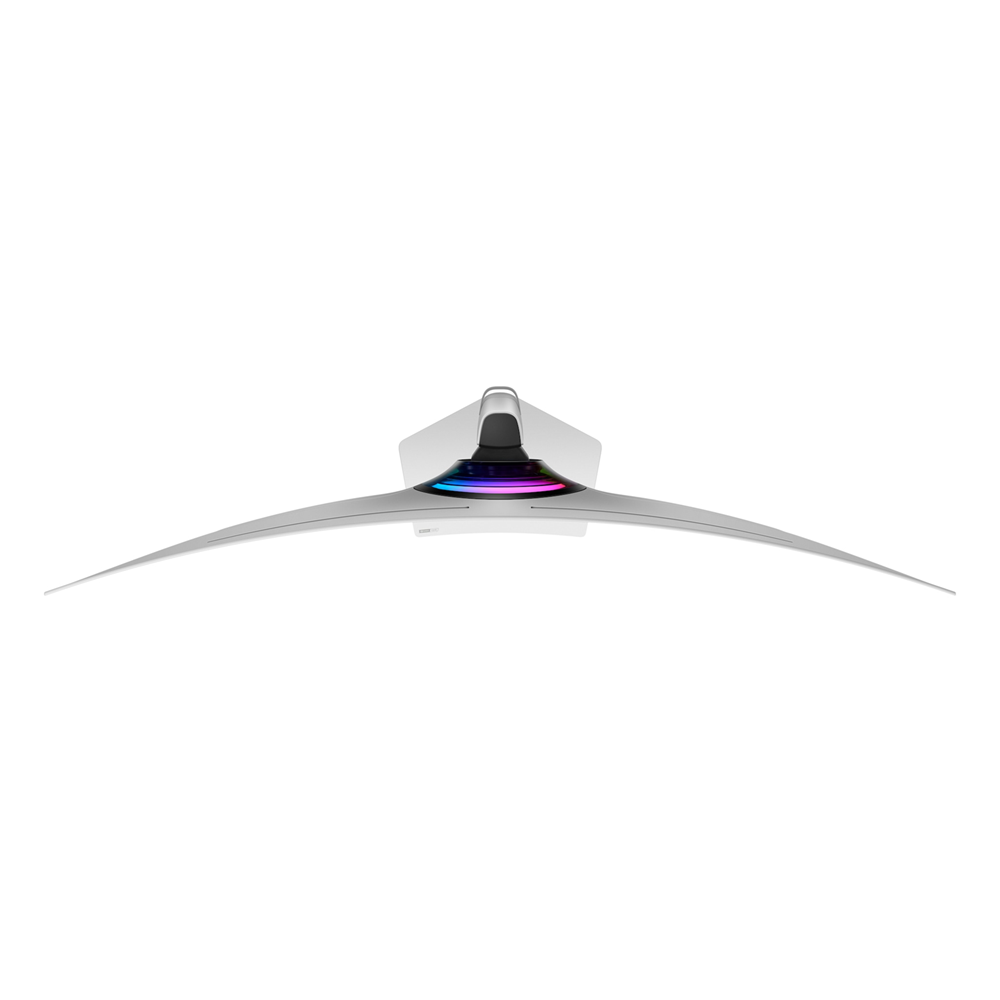
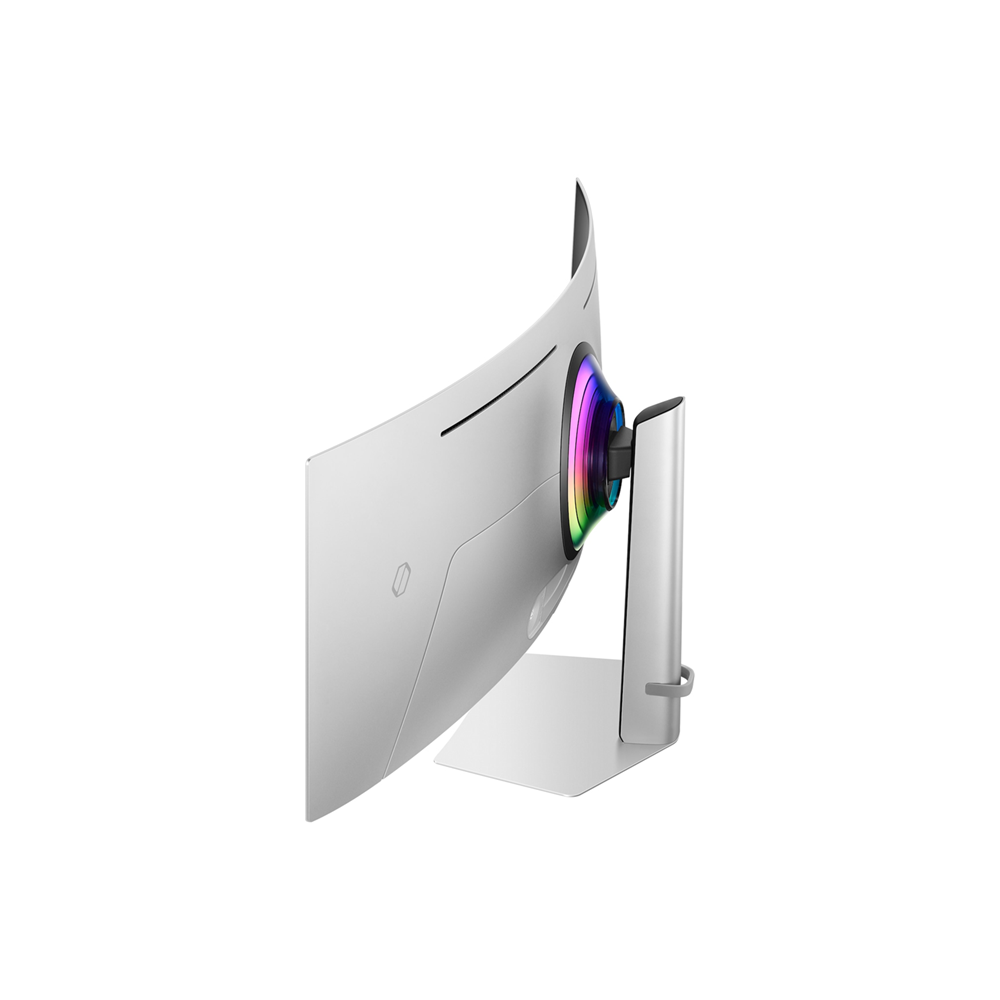
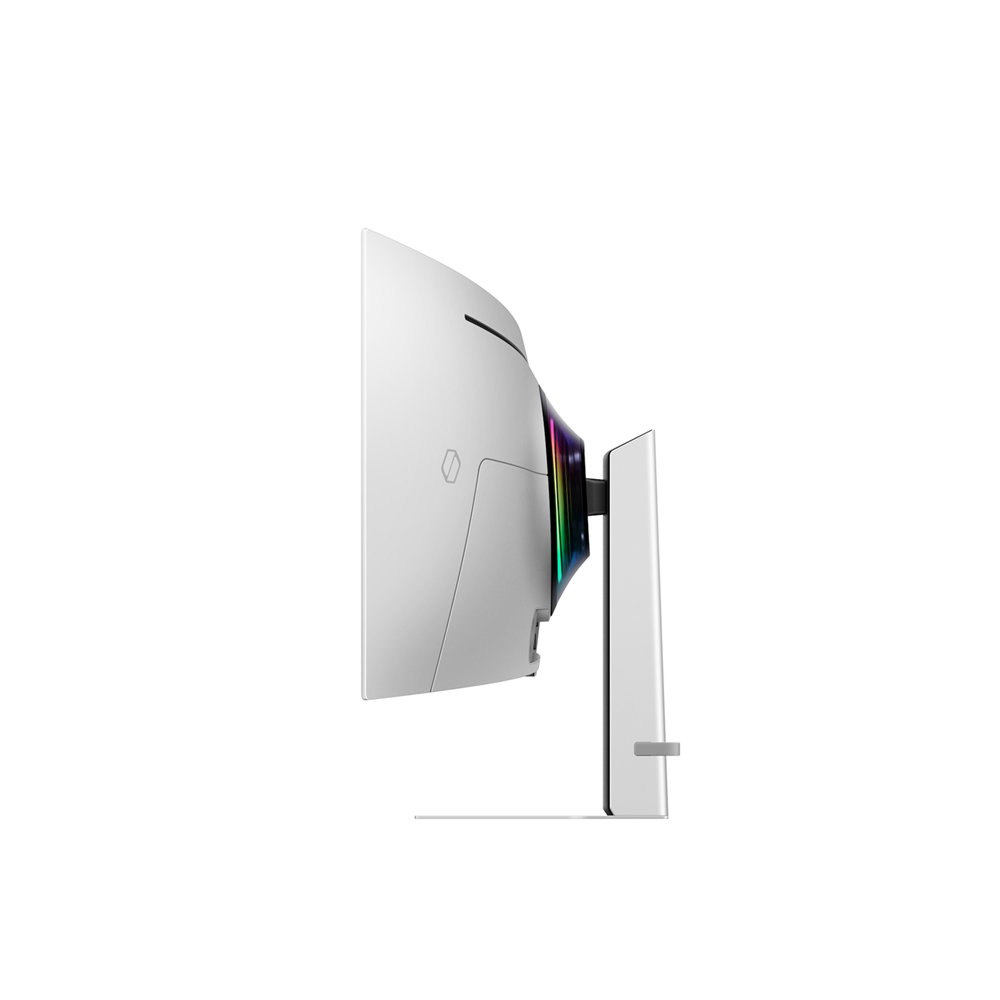
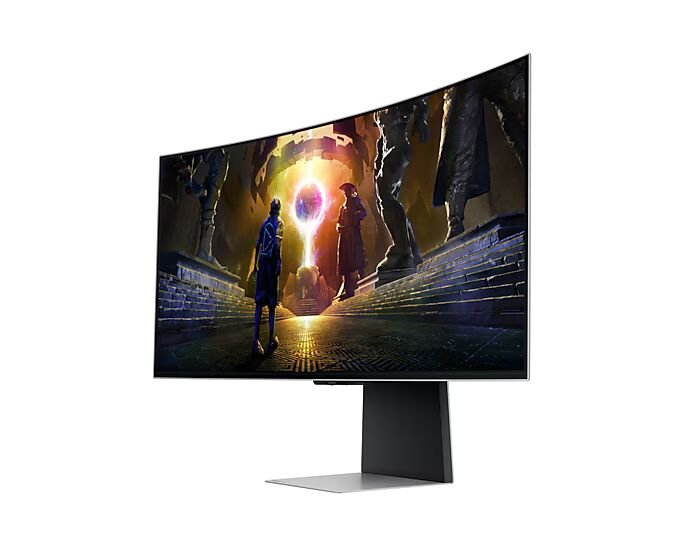
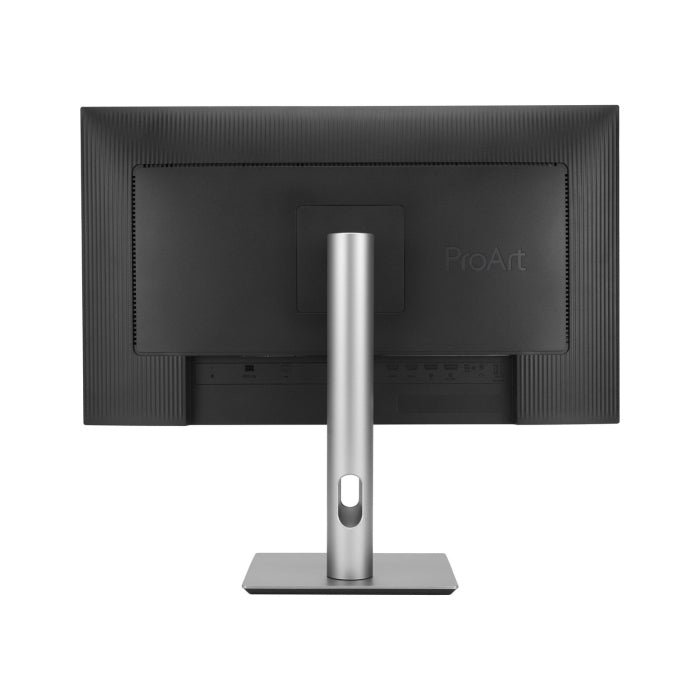
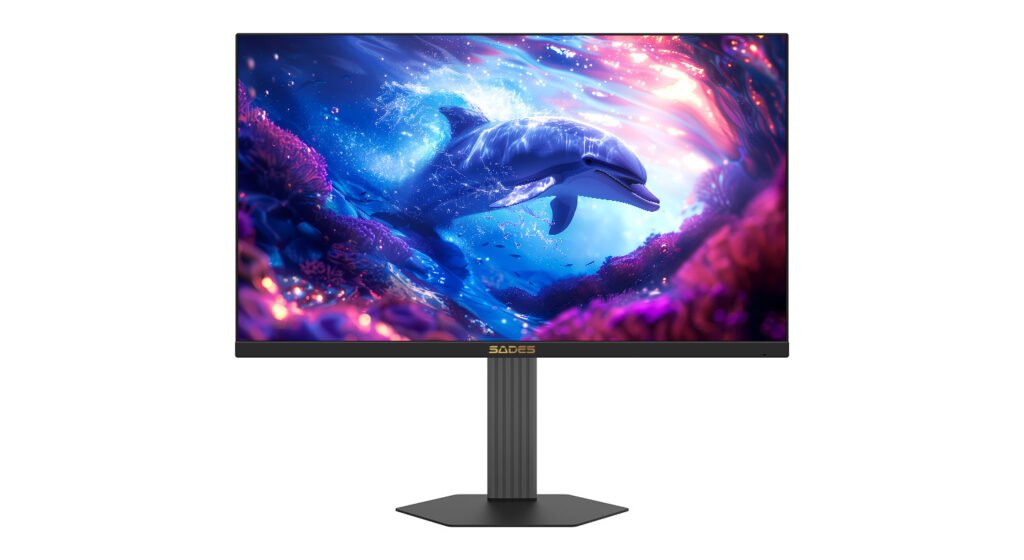
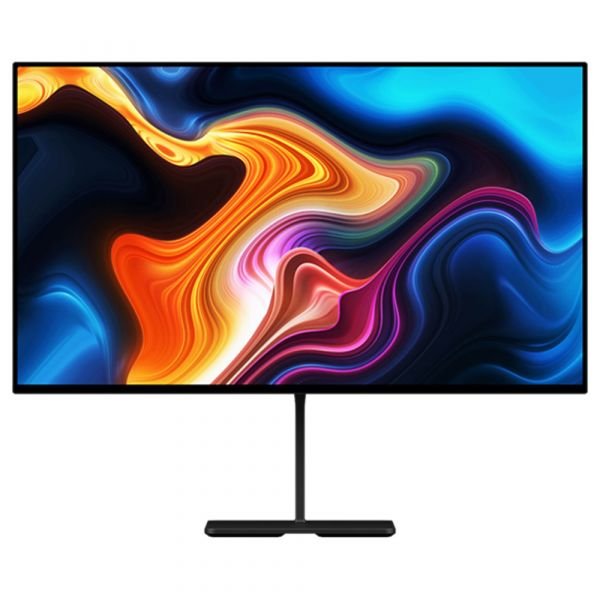
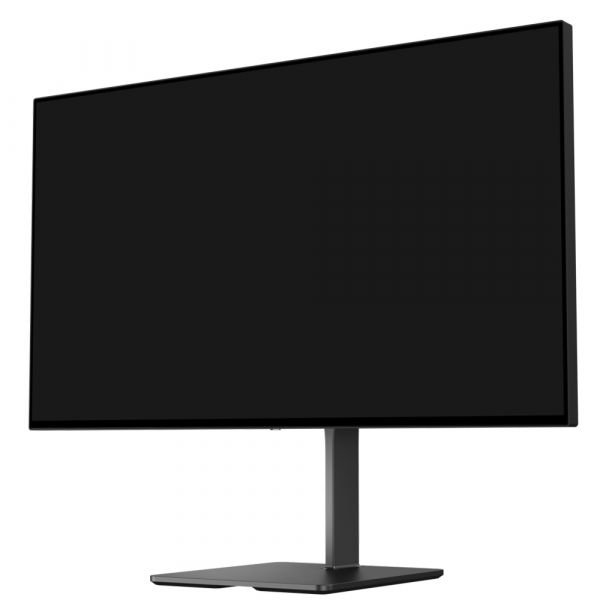
Upgrade your gaming station with razor-sharp design and versatility. A height-adjustable stand and angle tilting give you the best angle while you play. And a modern metal finish on the screen that’s just 4.5mm at its thinnest delivers unmatched style.





































Reviews
There are no reviews yet.